The difficult puzzle
we solved for your photos
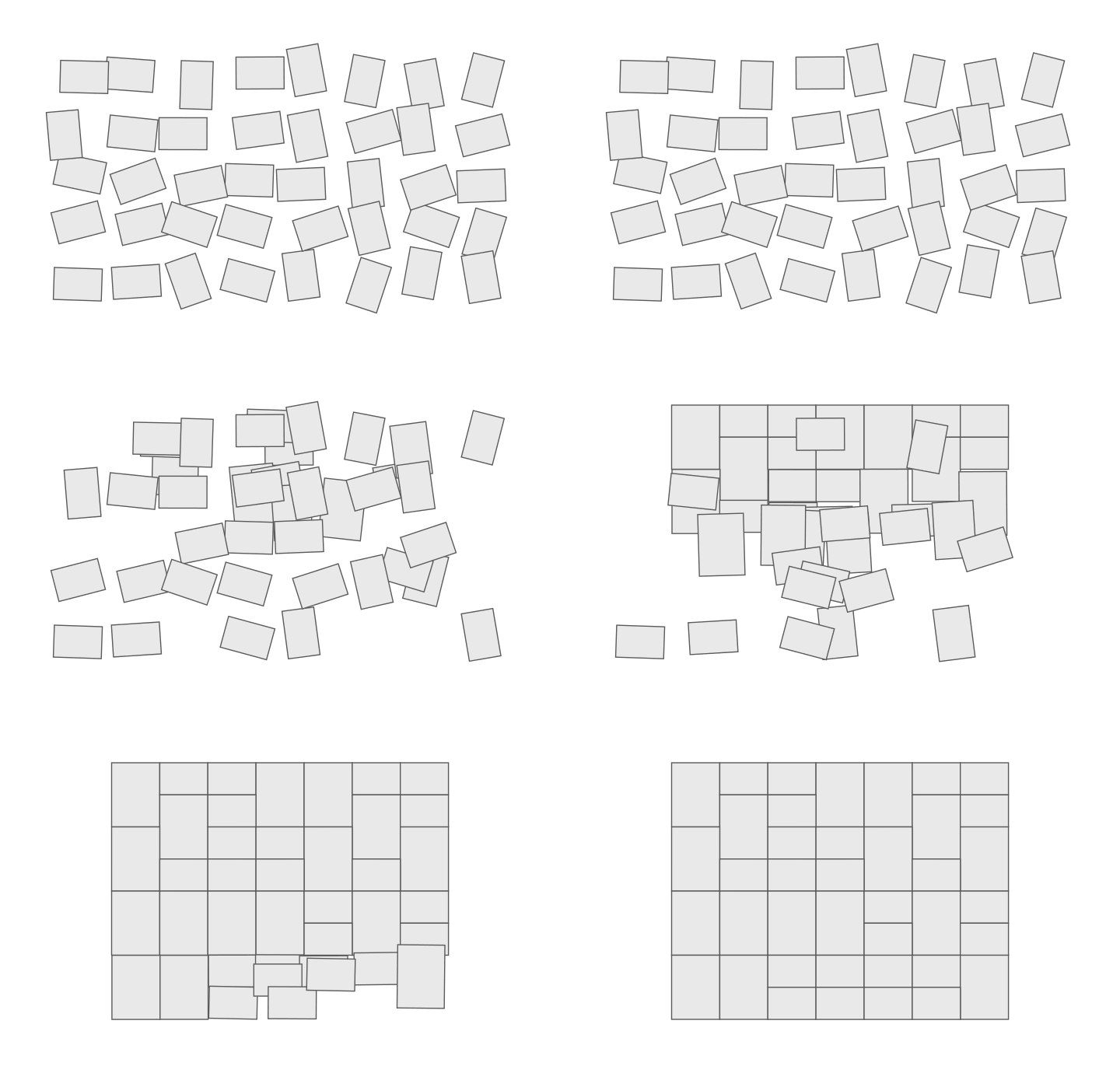
Putting together a bunch of photos into a seamless, gap-free, printable collage sounds simple. But anyone who has tried can testify that it is an infuriating experience. Many photographers and designers politely decline these jobs.
We are proud to offer a new, innovative method that creates large collages automatically in a few milliseconds. Now you can showcase all your wedding, holiday or family photos in a beautiful large framed print on the wall.
Why collage layout is harder than it looks
Your photos come in two shapes. Some are landscape — wider than tall, like a scenic view or a group shot. Others are portrait — taller than wide, like a person. A beautiful collage should keep every photo in its natural orientation, never stretched or squashed, with no empty gaps between them.
Most other photo collage products take shortcuts: they resort to square grids, causing serious cropping, or force the user to select from a few hand-crafted templates.
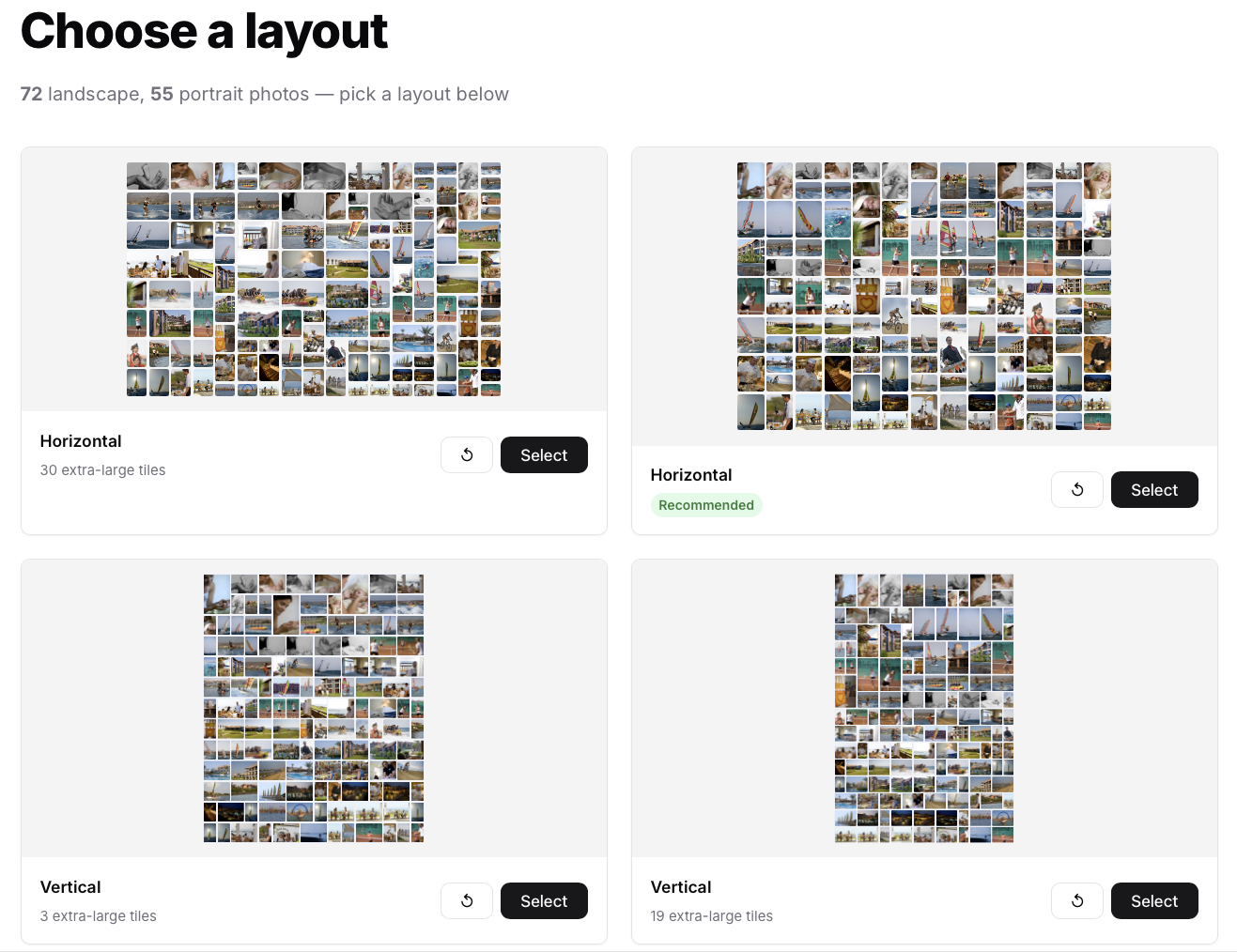
Foto Collage does neither. It uses an original algorithm that automatically composes any mix of landscape and portrait photos into a seamless rectangle — every photo kept in its own orientation.
In fact, you are likely to get several alternative layouts. Then you can drag and drop photos between slots, and even re-arrange the grid (within reason). You can also zoom in and pan on photos, so there's no need to crop them beforehand.
Why can't all the photos in the collage be the same size?
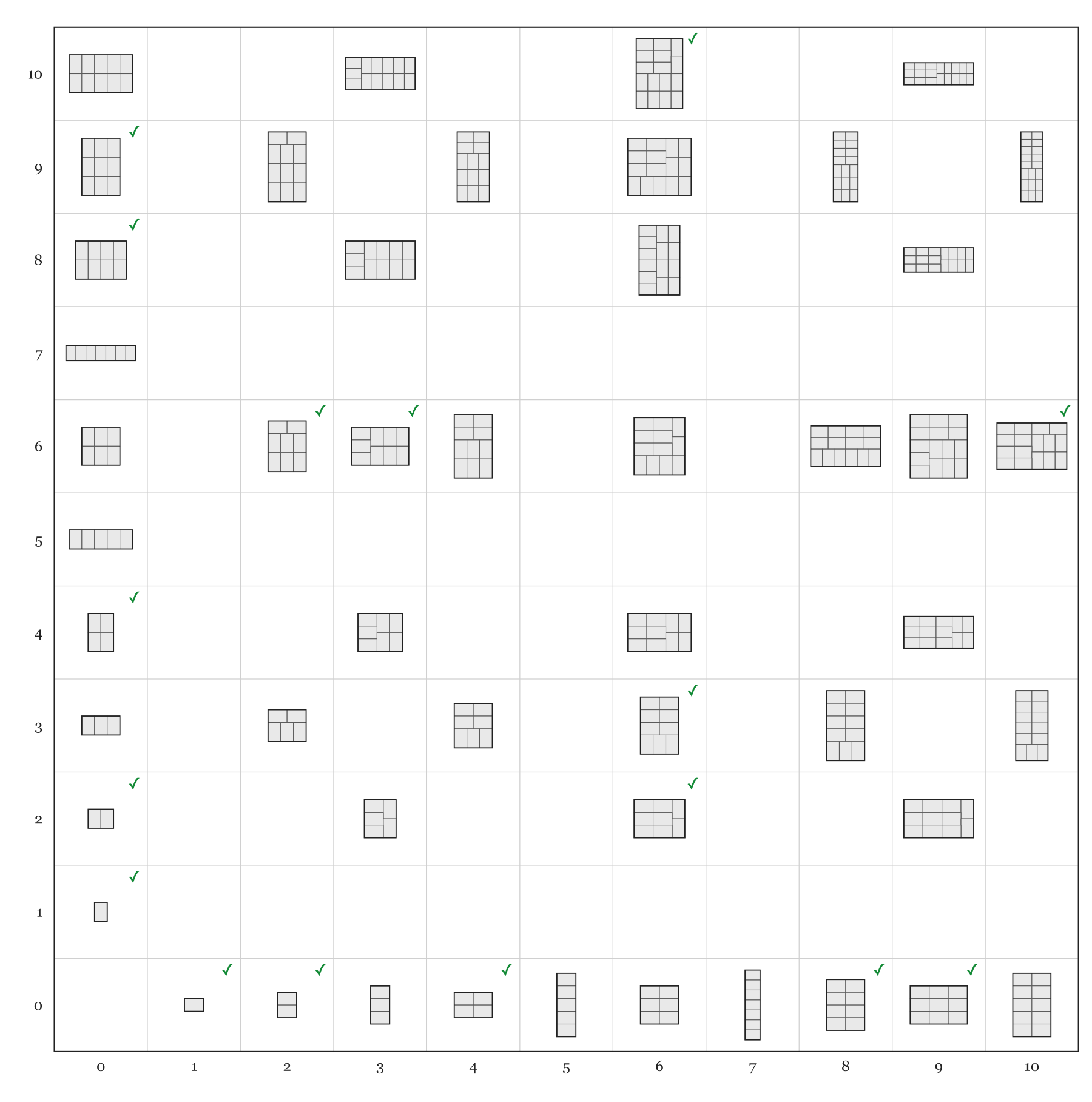
There are simply not enough combinations to create a neat, printable collage using only one size. The graph below shows every combination of up to ten horizontal and ten vertical photos, and as you can see, there are lots of "no solutions". That's why our algorithm uses up to three different sizes, so you can always create a printable collage.
Why has no one done this before?
The honest answer is that the problem is genuinely hard. One size doesn't give enough combinations (above), but allowing arbitrarily many sizes creates far too many arrangements to search. Threading that needle — a small, fixed set of sizes packed by a fast, deterministic algorithm — required original work, and it finds a neat printable layout in almost 100% of cases.
Ready to see what it does with your photos?
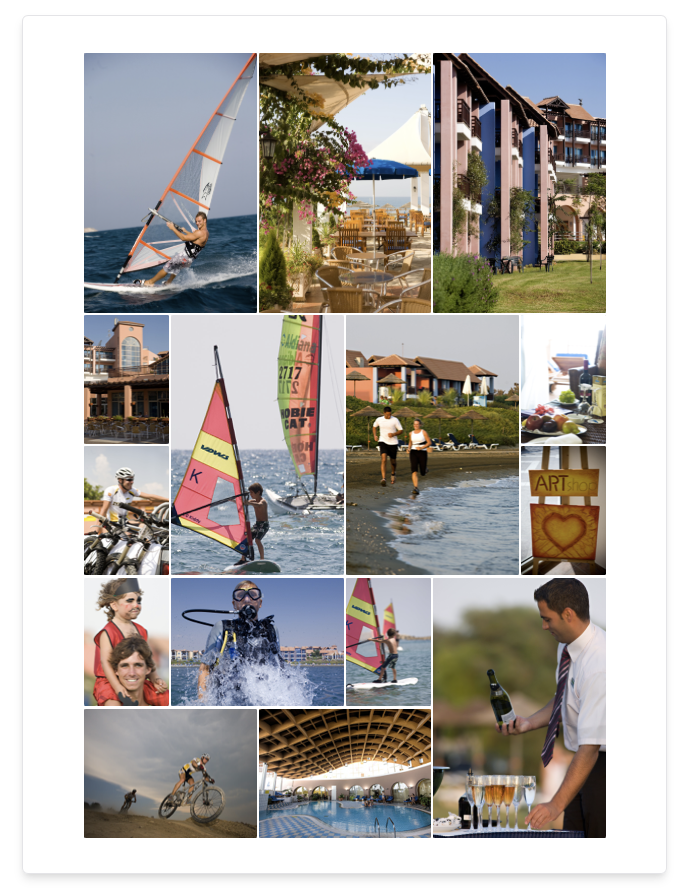
Upload your collection — landscape and portrait mixed freely — and the algorithm generates your layouts in under a second.
Start creating